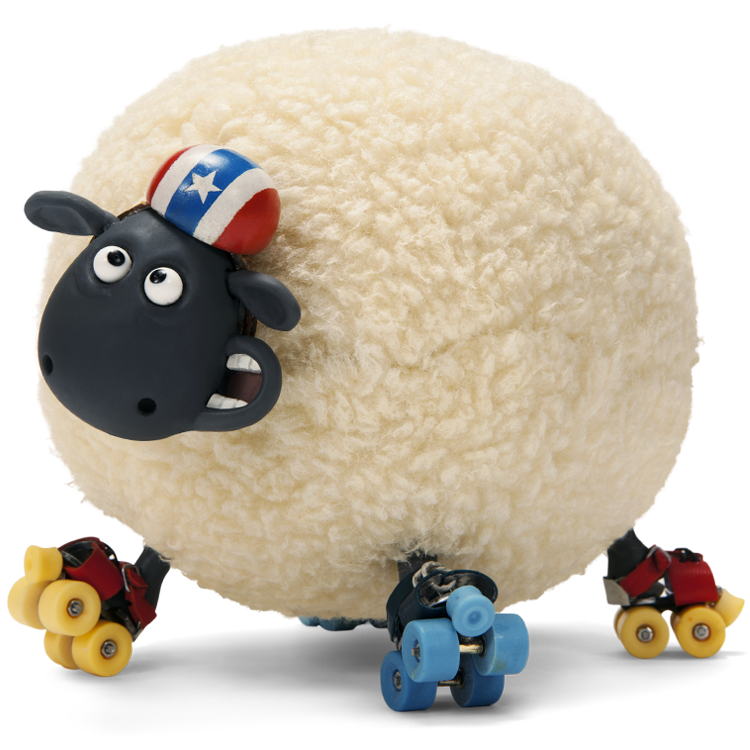
That is your avatar, correct?
Oldest < Prev. 1 2 3 Next > Newest
That is your avatar, correct?
What did you want to try? Posting a picture? Please say what you want to post and I'll help you with that ![]()
When you post a message with nothing, doesn't it usually say something like "You have to post a message before adding a comment"? Well even if it did, it doesn't work any more.
I know how to make a blank message.
Write ~ < b > < i ~ and then your message and it glitches because there isn't a > after the i. ![]()
In my blank message up there^^^^ I just pressed enter and then add comment. It worked!
Really? Hmm...seems all the "filters" aren't working correct: the family filter etc. ![]()
let me post
bnvbnvgfn
can someone explain this better to me for the pictures
You do this but replace the : and : with < and > :img src="The URL of the picture goes here":
You for example have the followoing picture: ![]()
This is the address of this picture: http://images.shaunthesheep.com/user_uploads/avatars/av_ec7330e3-380f-102d-874a-00304891b9c5.jpg
Now you make the following:
1. Post < img src=" " >
2. Copy the address of the picture you want to post between the two "
3. Then it should look so: < img src="http://images.shaunthesheep.com/user_uploads/avatars/av_ec7330e3-380f-102d-874a-00304891b9c5.jpg" >
4. Now you only have to erse the spaces between the < and img and the spaces between ..." and >
Then you should see the picture like that: ![]()
Remember: For everything you post and that has those symbols > you need to leave all spaces which are between those symbols and the text before or behind!![]()
Hi Kaylax10!
If you want to show the picture you have to put that link between the following two "
< img src=" " >
And of course leave the spaces ![]()
k
huh?
i dont get it!
Why isn't it working?
You for example have the followoing picture: ![]()
This is the address of this picture: http://images.shaunthesheep.com/user_uploads/avatars/av_ec7330e3-380f-102d-874a-00304891b9c5.jpg
Now you make the following:
1. Post < img src=" " >
2. Copy the address of the picture you want to post between the two "
3. Then it should look so: < img src="http://images.shaunthesheep.com/user_uploads/avatars/av_ec7330e3-380f-102d-874a-00304891b9c5.jpg" >
4. Now you only have to erse the spaces between the < and img and the spaces between ..." and >
Then you should see the picture like that: ![]()
Remember: For everything you post and that has those symbols > you need to leave all spaces which are between those symbols and the text before or behind!![]()
If you have any other questions, please aks again ![]()
oh ok i get it
kldceltic
That's right, kldceltic!
@Jum: Do you now know how to make it? Or have you still any questions? ![]()
![]()
Thanks ILB
You're welcome ![]()
Does it work with moving pictures?
Yay! It worked!
thanks sooooo much!!!
Oldest < Prev. 1 2 3 Next > Newest
Top of page
Are you sure you wish to hide this message? You will not be able to read it again.
Are you sure you wish to report this message to our Moderation Team?
You will not be able to read it again.